
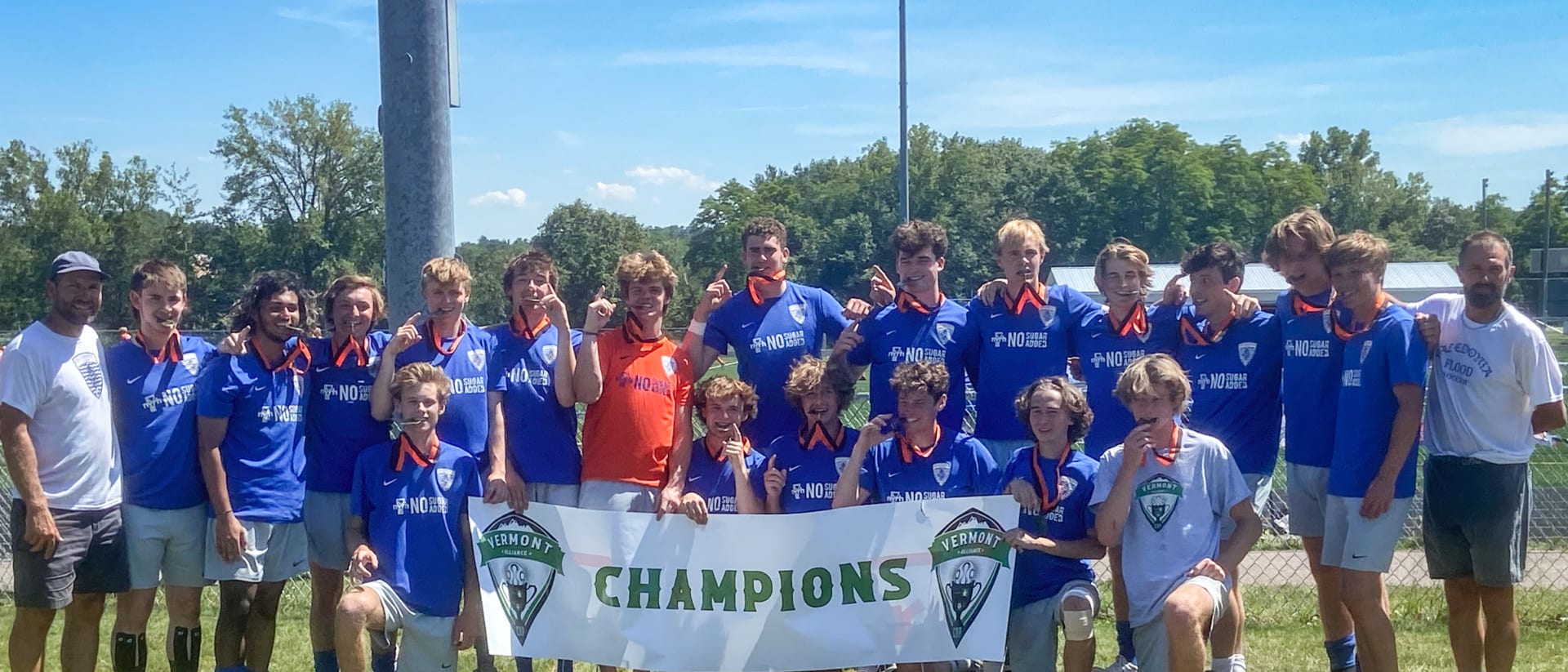
Join the Flood
Tryouts & Registration
All players must first try out before they are invited to register for a Spring travel team. Here's everything you need, step by step.
How to register
Four steps to the pitch
-
1
Try out
Register in advance for tryouts (the waiver is required). New players must attend tryouts to be eligible for an invitation.
Tryout sign-up -
2
Get invited
Once tryouts are complete, invited players receive an invitation to register for their team.
-
3
Register on GotSport
GotSport registers you with the Vermont Soccer Association, our parent organization, and with Caledonia Flood.
GotSport registration -
4
Pay your invoice
We approve your registration and email your club invoice from QuickBooks Online before the first practice.
How to pay
Missed tryouts? We sometimes have a few spots on some teams. Please contact us — and check back for Fall program and tryout information.
GotSport
Registration instructions
There are several pages to complete in GotSport. Keep scrolling and select Save or Continue until you reach the final “Submit Registration” page.
-
1
Work through every page, choosing Save or Continue at the bottom of each.
-
2
On the Fee/Pricing page, click SELECT so you can move to the next step.
-
3
Click CHECKOUT and choose CHECK/MO as the payment method — it is the only option.
-
4
Click REGISTER to finish. You are not registered until every step on the progress bar is complete.
-
Although you choose CHECK/MO in GotSport to complete registration, we do not accept payments through GotSport. Club fees are invoiced separately — see “How to pay” below.
How to pay
Paying your club invoice
Once you have registered on GotSport, we approve you and set you up in our invoicing system. In the weeks before (or just after) the first practice, you'll receive an email from QuickBooks Online with your invoice.
Pay online
The fastest, simplest, most tree-friendly way to pay is ACH direct debit online. Click Pay Invoice in the “Your Invoice is Ready” email, enter your bank details and — voilà — your invoice is paid.
Pay by paper check
Mail a paper check to our NorthCountry Credit Union bank account. Every check must be accompanied by our Pay by Check form. For families with multiple players, please submit one check and form per player so we can track payments per player and team.
Pay by Check form (PDF)Flood warning in effect
Questions about joining?
We're happy to help new families find the right program.